How the Payroll Cut-Off Calculator works
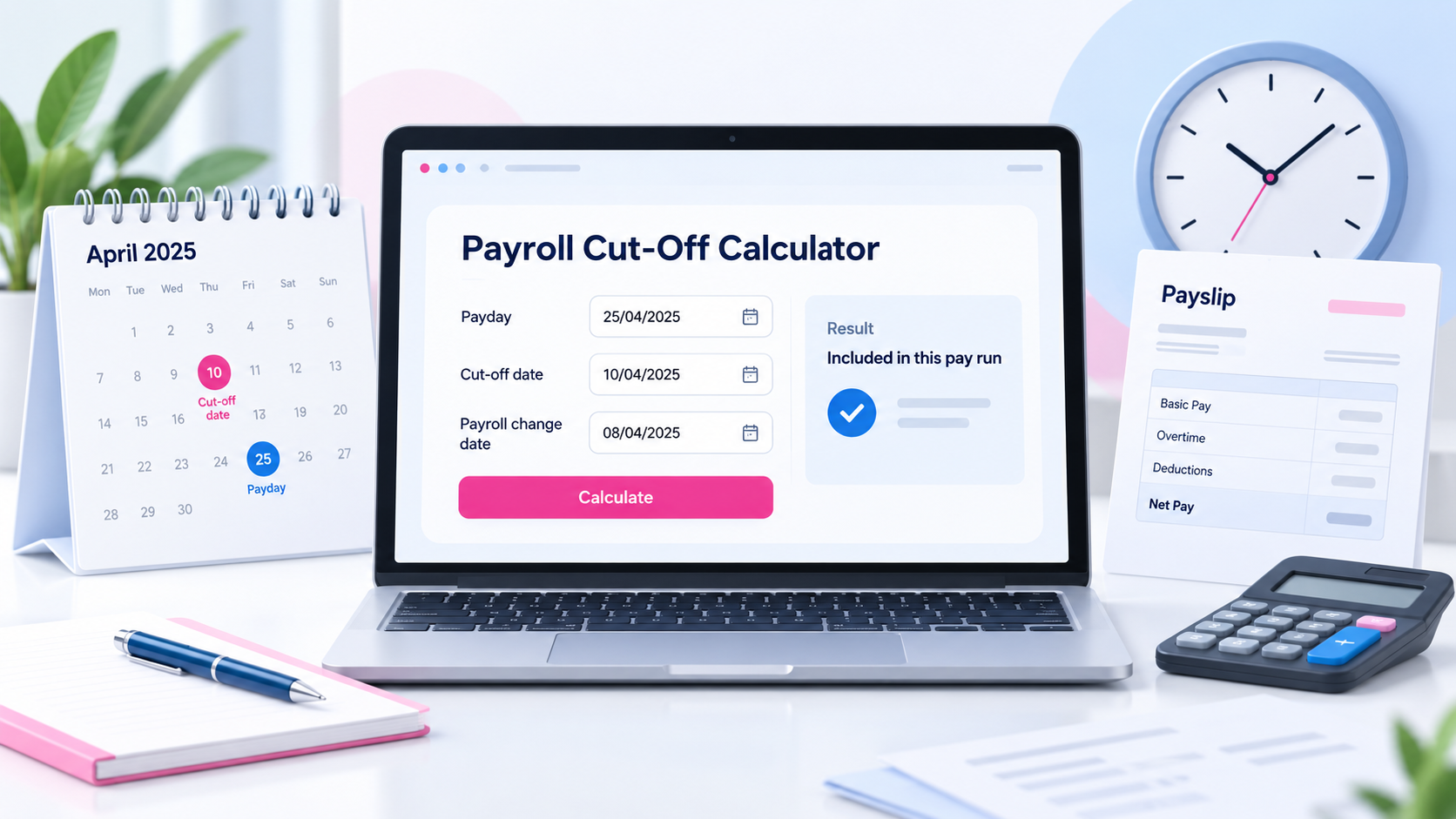
The Payroll Cut-Off Calculator helps you estimate whether overtime, extra shifts, expenses, changes to your hours or other payroll adjustments may be included in your next pay.Enter your next payday, choose how your employer sets its payroll cut-off, and add the date of your payroll change. The calculator will estimate whether your change happened before or after the cut-off date. Payroll cut-off dates vary between employers, so this tool should be used as a guide only. Your payroll or HR team can confirm the exact deadline used by your employer.
What is a payroll cut-off date?
A payroll cut-off date is the deadline your employer uses for processing changes before a pay run is completed. Changes submitted after the cut-off may be moved into the following pay period.
What can be affected by payroll cut-off?
What happens if I miss payroll cut-off?
If your change is submitted after the payroll cut-off date, it may not appear in your next payslip. It may instead be processed in the following pay period. The exact outcome depends on your employer's payroll process.
The Payroll Cut-Off Calculator can help you estimate whether a change was submitted before or after your employer’s deadline.
Payroll cut-off examples
A payroll cut-off can affect when different types of payments appear on your payslip. For example, if your employer pays you on the last working day of each month but closes payroll seven days earlier, overtime or an extra shift submitted after that deadline may not be processed until the following month. The same can happen with expenses, allowances, changes to contracted hours and corrections to previous pay. Even when work has already been completed, payroll may need the information to be approved and submitted before the internal deadline.
Why do employers use payroll cut-off dates?
What should I do if a payment is missing?
If you expected overtime, expenses or another adjustment but it is not shown on your payslip, first check when the information was submitted and approved. You can then contact your payroll, HR or manager to confirm whether the change missed the payroll cut-off. They should also be able to tell you whether the payment is expected in the next pay period. You can use the Payroll Cut-Off Calculator as an estimate, but your employer's confirmed payroll schedule should always be treated as the final source.
Frequently asked questions
This varies by employer. Some payroll teams close several days before payday, while others use an earlier internal deadline.
Will overtime be included in my next pay?
If your overtime is approved and submitted before your employer's payroll cut-off, it may be included in your next pay. If it misses the deadline, it may appear in the following pay period.
Does payroll cut-off apply to expenses?
It can. Employers may also have separate expense submission or approval deadlines.
Is this calculator guaranteed to tell me when I will be paid?
No. It provides an estimate based on the dates you enter. Your employer's payroll or HR team can confirm the actual processing deadline.
Use the Payroll Cut-Off Calculator whenever you want a quick estimate of which pay period a payroll change may fall into.